I have always been a massive fan of technology in classrooms. I thrived during Covid as it allowed me to blend my love of tech with my passion for teaching effortlessly. When I heard of ChatGPT and the things it could do, I was intrigued by how educators could use artificial intelligence to better their classroom practices and resources.
When I discussed my interests with others, I was met with shrieks of
“I’ve heard it’s addictive!!”
“It’ll take me more time to learn what to do with it than create resources myself.”
“What if the AI goes Terminator on me and hacks me?”
My initial journey with ChatGPT
I began my forays with ChatGPT with a sense of trepidation and excitement. I was thrilled it was not a paid app and immediately explored uncharted AI territory. I timidly typed in short commands and prompts. I was amazed at the detail and accuracy of the responses.
As time passed, I became braver with my requests and commands to tailor ChatGPT’s responses to my needs and liking. I took a course on Chat GPT through Coursera (Innovative Teaching with ChatGPT by the University of Vanderbilt). If you want to know more about whether Coursera certificates are worth it, click the link below to learn more.
I soon found that Chat GPT became the assistant I had always dreamed of. Whenever I lacked time, I looked to ChatGPT. Whenever I needed an answer to a question or a quick strategy for reflection, it was Chat GPT to the rescue! It’s hard to collaborate with other teachers over small things, but typing the same query into a laptop that is invariably open in front of you is straightforward. And thus, my easygoing relationship with ChatGPT was born.
ChatGPT for Educators-What can it do for you?
It’s important to note that while ChatGPT is a quick fix for educators, you must check what comes before you on the screen. AI isn’t flawless, nor are its ideas/outputs/strategies. Feel free to respond to the initial prompt with additional changes required.
Create lesson plans
Ask ChatGPT to create a lesson plan for you. Just provide it with the topic and the duration, and voila! When you read through the plan, ask the AI to tweak the plan to be more experiential, create a follow-up task sheet, change the warm-up activity, and add an icebreaker. The options are endless!
Chat GPT will not only provide you with a lesson plan but will also give you a list of materials required and step by step instructions on how to conduct the lesson.

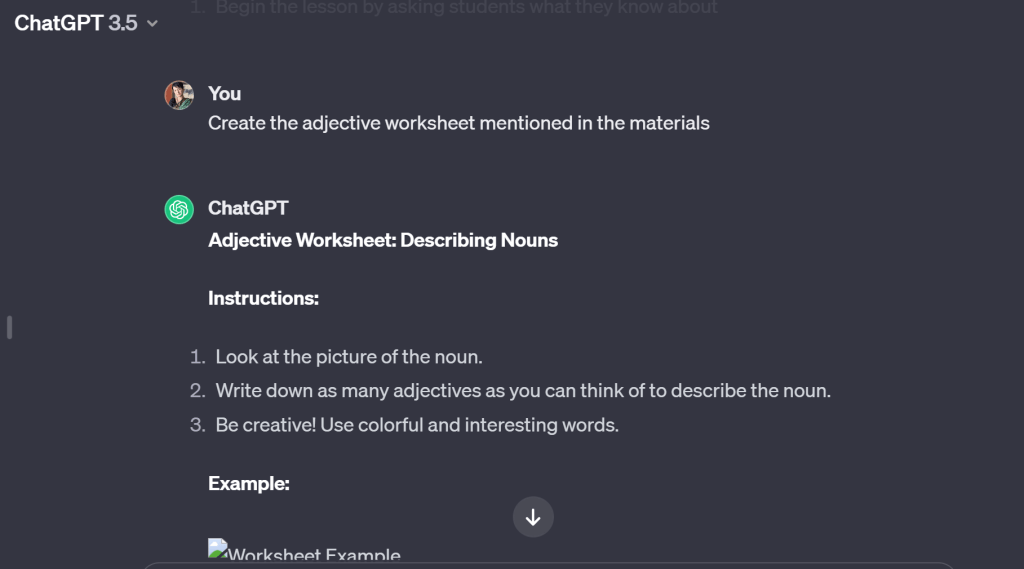
You can even ask ChatGPT to create the materials mentioned in the lesson plan.
Create PowerPoint slides
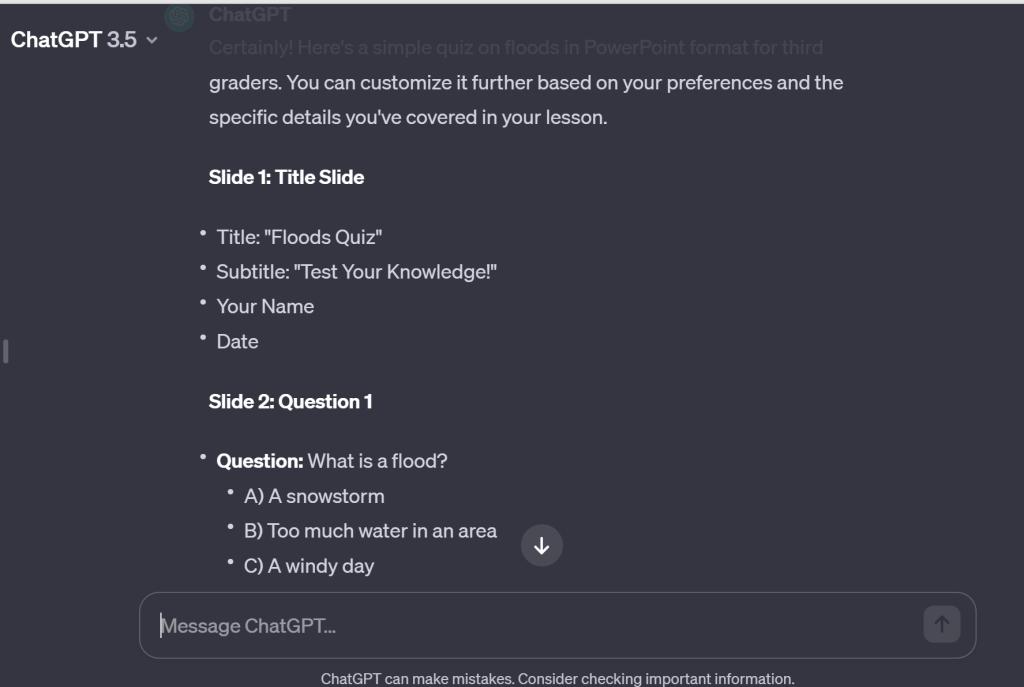
You can ask ChatGPT to create PowerPoint slides tailor made to suit your needs. You can then paste the content onto your PPT. Using this feature cuts down on time taken to add relevant material on several topics and can even be used to create quizzes.
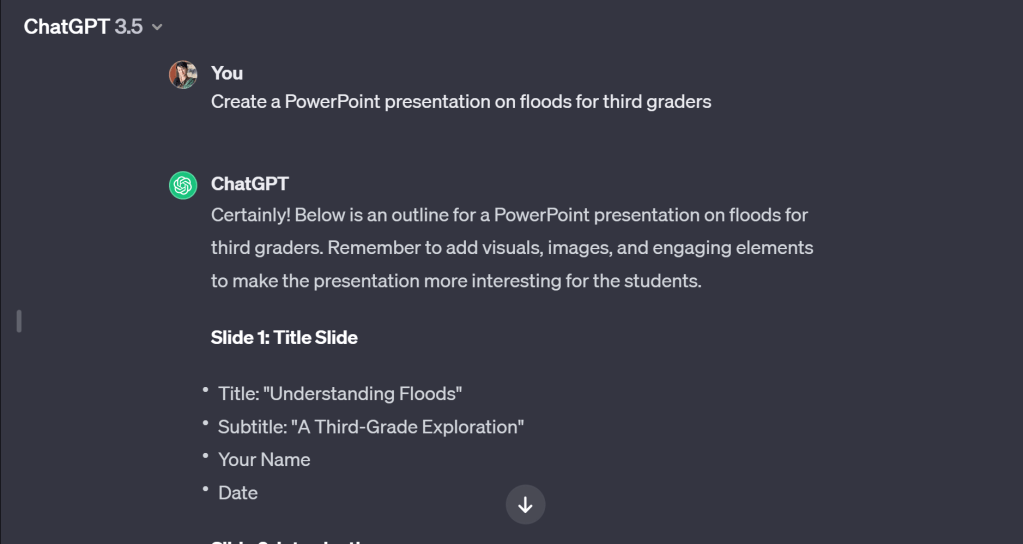
Remember to add as many details as possible to your prompt such as the age category, the type of activity and more.
Create personalized worksheets
You can create work sheets for students struggling in certain academic spheres or challenging sheets for those who are overachieving. You can also ask Chat GPT to add content related to a child’s particular interest.
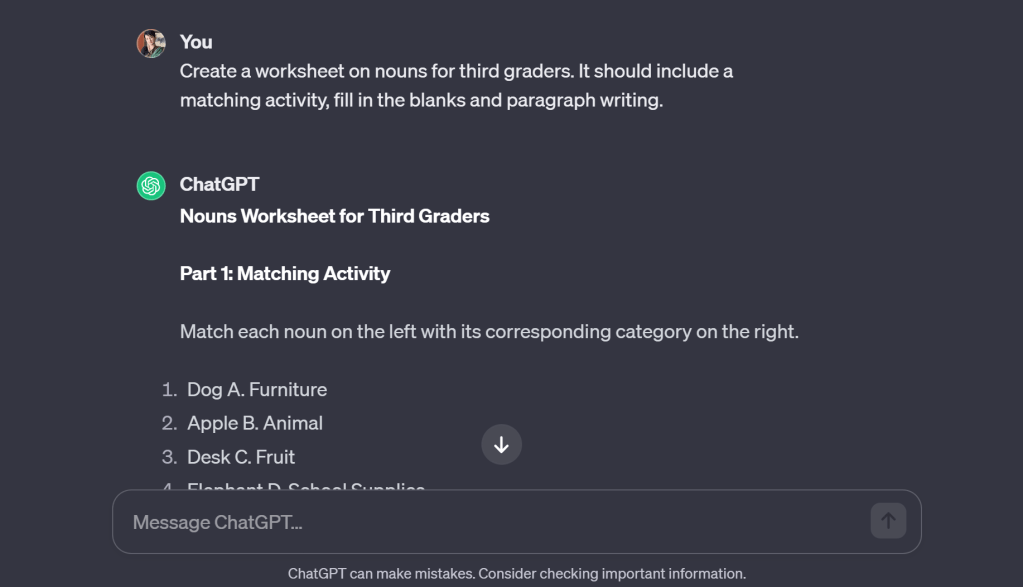
Note how I have provided my suggestions in the first prompt. Once the AI knows what is expected, it creates the sheet as I want it to be. You can always ask for the sheet difficulty to be toned up or down in consecutive prompts.
You can use the following prompt to create personalized sheets-
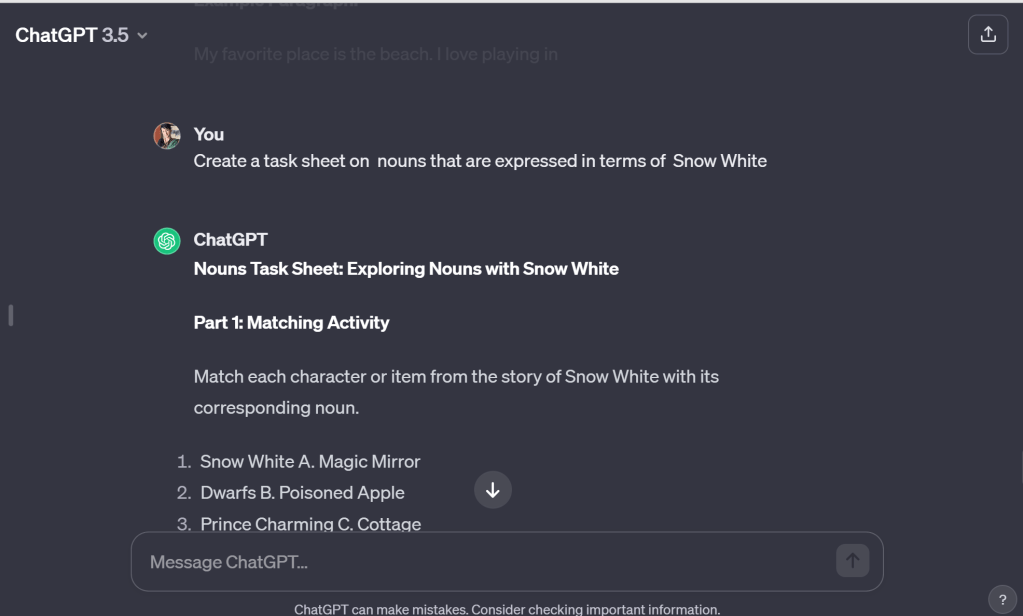
Create a tasksheet on <concept name> that are expressed in terms of <write student interest>
If you have a child who is disinterested in grammar but perks up when she hears of Snow White, consider asking ChatGPT to create a personalized task sheet. An example is given in the picture below. The possibilities are endless!
Create customized paragraphs/articles/content
I often find that the hardest thing as an educator is finding relevant fact sheets or reading material that will provide a platform for further inquiry.
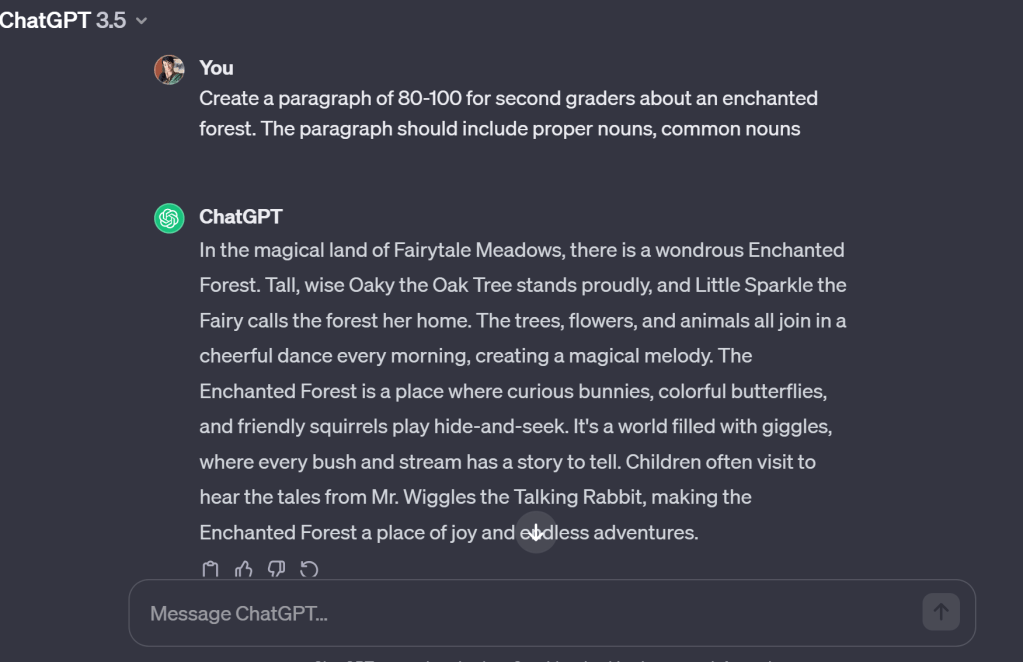
I find myself reaching for Chat GPT the most to create fact sheets that are age appropriate for science and social studies. It also does a great job of creating passages/paragraph/stories while weaving in grammar concepts, particular characters and settings or moral stories. You can always ask Chat GPT to give credit to the sources so that you can cite them as well.

Ideas for activities
When your mind goes numb as an educator dealing with children daily, creativity tends to peter out when you need it the most. Allow ChatGPT to rescue you from that fugue state by asking the AI for fresh ideas and perspectives on what can work in the classroom.

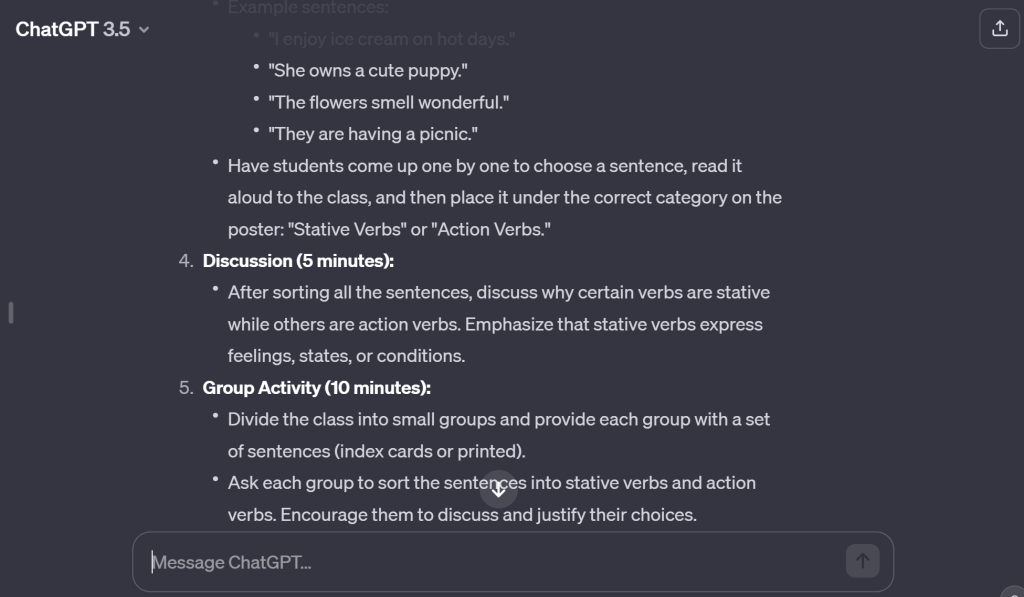
You can even give ChatGPT a list of vocabulary words and ask the AI to generate an activity allowing children to spell them and learn their word meanings.
You can ask the AI to provide ideas for games on particular topics by using the sample prompt below-
Prompt: Create three possible games that students could play to learn about <fill in list of concepts>, includes <add list of student interests>
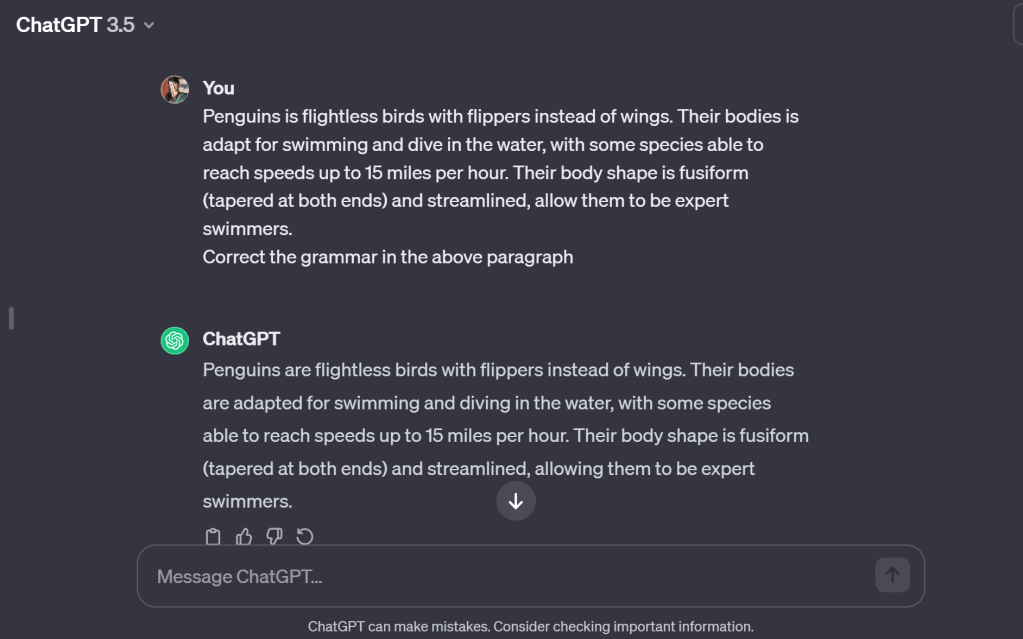
Use ChatGPT as a grammar checker
Paste your work into ChatGPT, and under it, add-
“Correct my grammar.”
or
“Rephrase the paragraph.”
or
“Change the above paragraph into past tense.”
Creative thinking activities
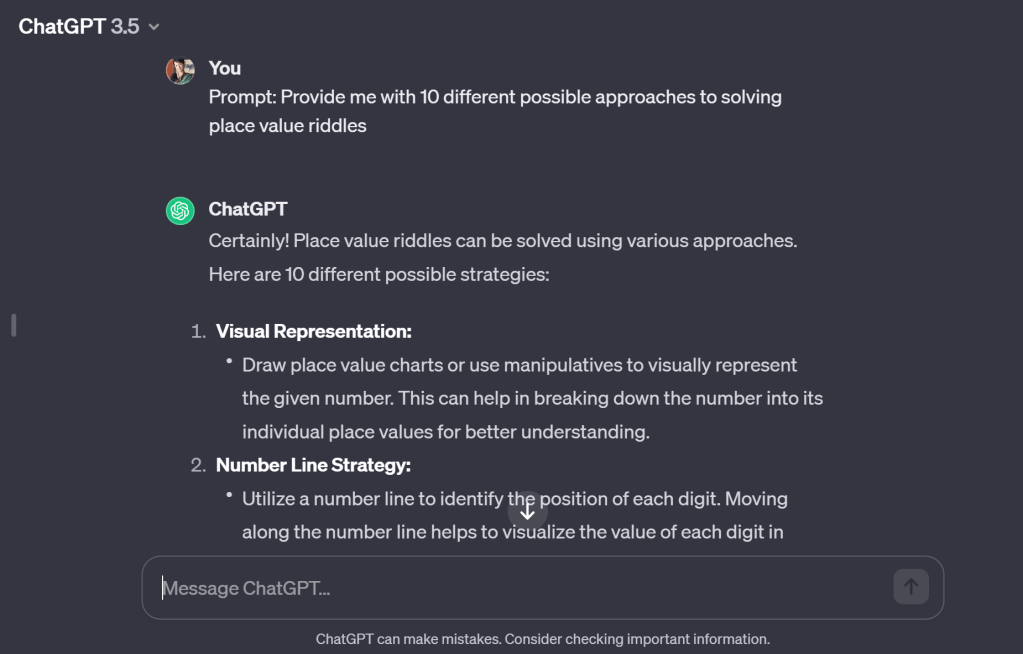
I often need help enhancing my younger students’ creative and critical thinking. ChatGPT was a great solution for creating task sheets that get them to think out of the box. It also helps me to get ideas on how to get students to remember their place in a line, or a number of mundane issues that could have creative solutions.
Sample prompts-
Prompt: Provide me with 10 different possible approaches to solving <fill in problem>
Compare the pros and cons of the approaches relative to my goal of <fill in eventual goal>
Create text based games
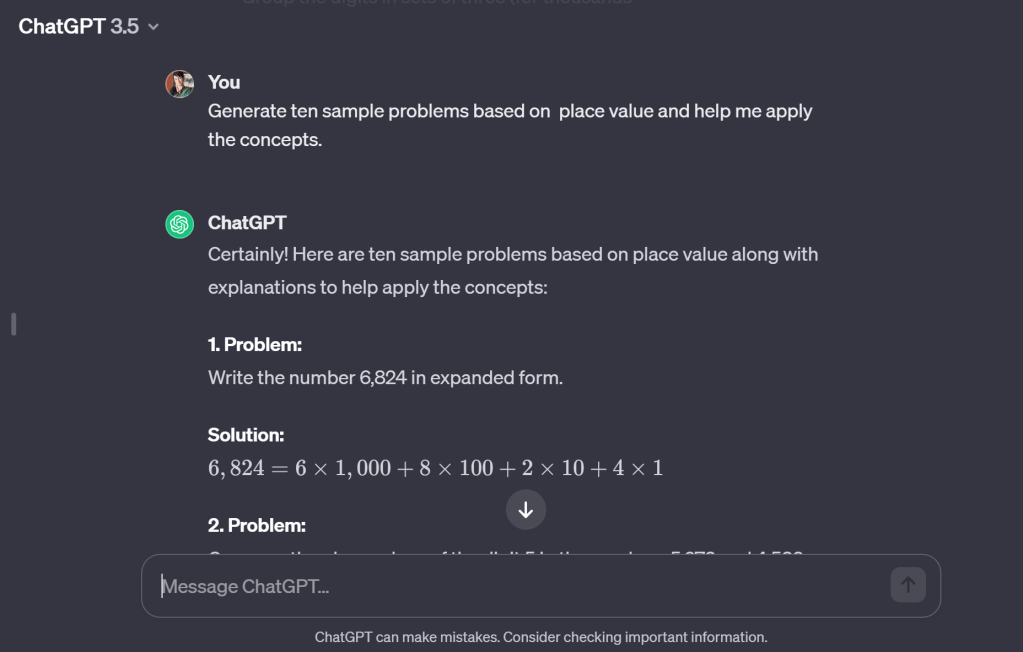
You may want to create text-based games for your classroom to practise a concept. You can use the following sample prompt-
We are learning about <Fill in a List of Concepts>. Please create a quiz for me based on these concepts and <Fill in Student Interests>. Ask me one question at a time. Ask me the first question.
Generate ten sample problems based on <Fill in a List of Concepts> and help me apply the concepts.
Creation of rubrics and checklists
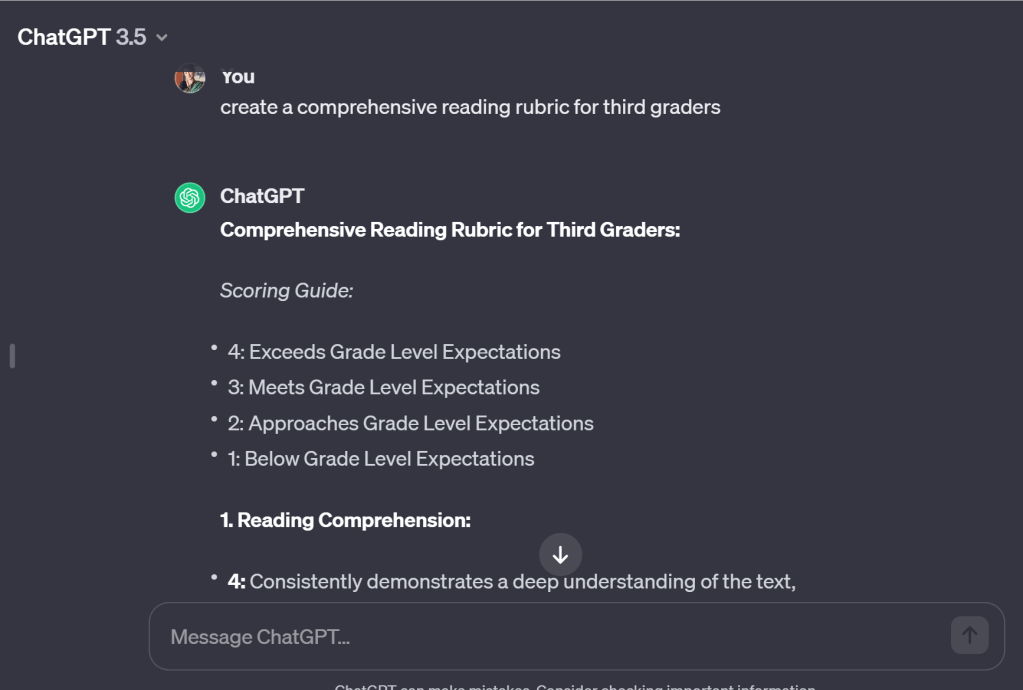
Ask ChatGPT to create basic assessment tools for you and then tweak according to your needs!

Takeaway-
In the realm of education, ChatGPT emerges as an indispensable ally for educators. With its ability to generate tailored learning materials, answer queries, and stimulate critical thinking, it transforms classrooms into dynamic hubs of engagement. As an adaptive virtual assistant, ChatGPT supports lesson planning, providing a personalized touch to teaching resources. Its prowess in generating diverse content and fostering interactive learning experiences equips educators with a powerful tool to inspire and engage students. Embrace the future of education with ChatGPT, where innovation and collaboration redefine the art of teaching, leaving an indelible mark on the minds of both educators and learners.
Note- ChatGPT wrote the takeaway for me to show you the power of AI and writing!
But always remember, behind every AI prompt is an overworked teacher who still wants the best for their students. Keep the light of learning burning bright!
Write for us!
We believe in the power of shared knowledge and the impact it can have on shaping the future of education. Your experiences, insights, and innovative teaching methods can inspire and empower fellow educators around the globe. We invite you to contribute to our website by sharing your valuable expertise through blog posts. Whether it’s a classroom success story, a teaching strategy that resonates, or thoughts on the evolving educational landscape, your voice matters! Click on the ‘Write for us’ tab above to know more!


 Looking into the Review Mirror
Leave a comment